October 19, 2026
What Is Meta Ads? How Facebook and Instagram Ads Work, What They Cost in India, and Whether Your Business Needs Them
 By Rohit GuptaUpdated 17 min read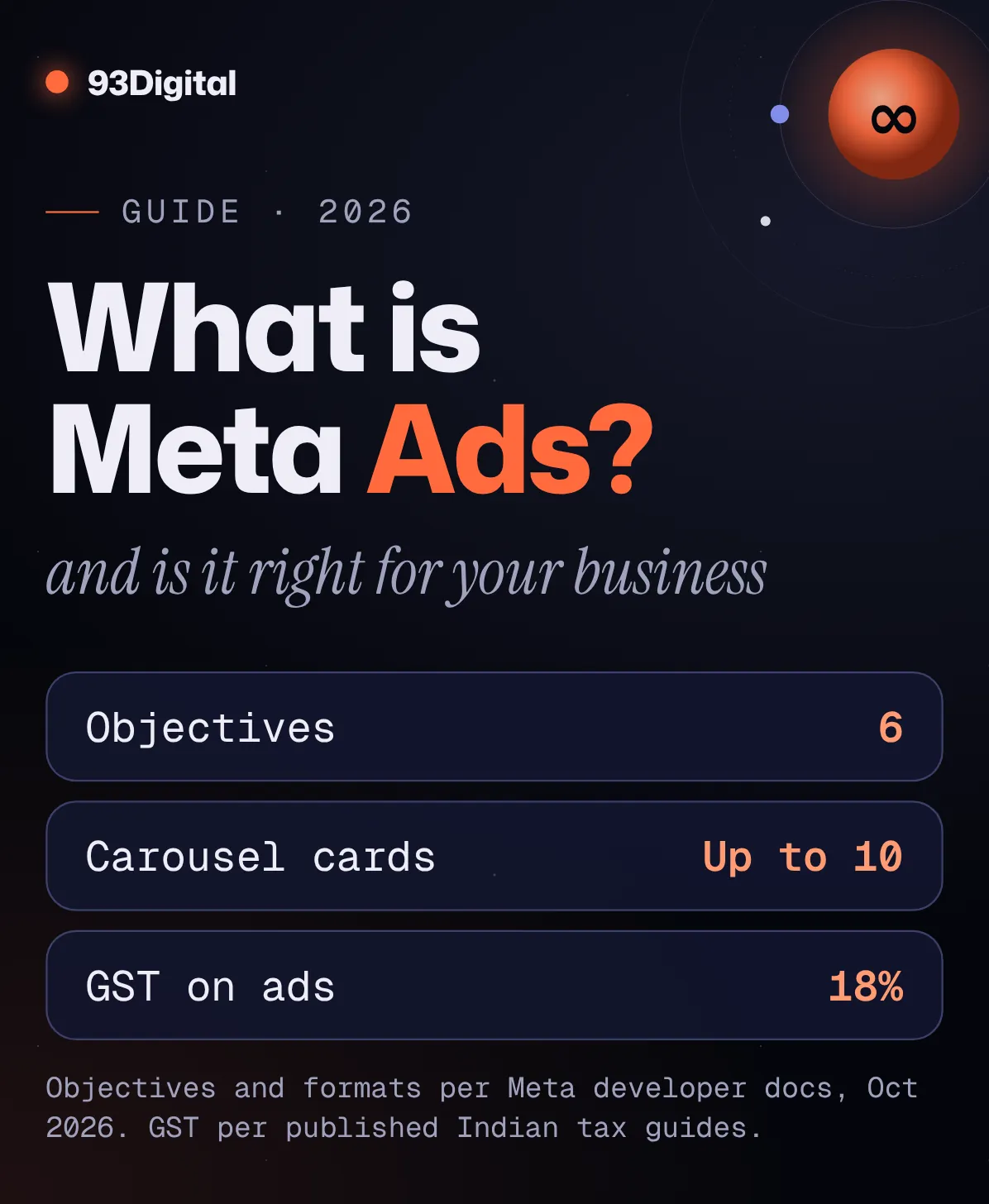
Your competitor’s ad turned up in your Instagram feed this morning. Then again in a Reel. Then on Facebook while you were checking the cricket score.
You didn’t search for them. They found you anyway.
That’s Meta ads at work. And if you run a clinic, a coaching centre, a D2C brand or a local shop in India, there’s a fair chance your customers are scrolling past those same ads every day.
So should you be running them too? Let’s find out.
Quick answer: what is Meta Ads?
Meta Ads are paid ads you run across Facebook, Instagram, Messenger, Threads, WhatsApp and Meta’s Audience Network of partner apps, all managed from one tool called Meta Ads Manager. It’s what used to be called “Facebook Ads.”
- Targeting: by who people are (location, age, interests, behaviour), not by what they type into a search box
- Pricing: an auction, not a rate card. You set a daily or lifetime budget; the auction prices each result
- Goals: six campaign objectives: Awareness, Traffic, Engagement, Leads, App promotion and Sales
- In India: billed in rupees, with GST added to your charges
Here’s the thing: Meta ads don’t wait for demand. They create it. That makes them brilliant for some businesses and a money pit for others. The difference is mostly in how you set them up.
In this guide I’ll walk you through:
- What Meta ads are and how the auction decides who sees your ad
- The six campaign objectives, placements and ad formats (in plain words)
- Meta ads vs Google ads, side by side
- What Meta ads cost in India, including how billing, GST and minimum budgets work
- Who should use them, a first-campaign checklist, and the mistakes that burn budgets
What is Meta Ads?
Meta Ads is Meta’s advertising platform: you pay to show ads to people on Facebook, Instagram, Messenger, Threads, WhatsApp Status and partner apps on the Audience Network, choosing who sees them and what you want them to do.
Why “Meta” and not “Facebook”? On 28 October 2021, Facebook renamed its parent company Meta. The apps kept their names. The ads platform simply followed the company.
So “Facebook ads”, “Instagram ads” and “Meta ads” are mostly the same thing: one tool (Meta Ads Manager), one budget, several apps. You don’t really buy “an Instagram ad.” You buy results, and Meta finds them wherever it can unless you tell it otherwise.
How do Meta ads work?
Meta ads work in three layers: you pick a campaign objective (what you want), build an ad set (who sees it, where, and for how much), then create the ad itself. Each time someone opens a Meta app, an auction decides which ad they see.

The structure: campaign, ad set, ad
- Campaign: your objective. “Get me leads” or “get me sales.”
- Ad set: your audience, placements, budget and schedule.
- Ad: the creative people actually see: image, video or carousel, plus text and a button.
The 6 Meta campaign objectives (and when to use each)
Meta’s current objectives, as listed in its Marketing API documentation and Ads Manager as of October 2026, are:
| Objective | What Meta optimises for | Use it when you want… |
|---|---|---|
| Awareness | Showing your ad to people most likely to remember it (reach, video views) | A new brand, launch or branch opening to get noticed |
| Traffic | Sending people to your website, app or event (link clicks, landing page views) | Visitors to a page, with conversions tracked later |
| Engagement | Messages, video views, post engagement, Page likes or event responses | WhatsApp or Messenger conversations, video views, followers |
| Leads | Collecting leads through instant forms, messages, calls or sign-ups | Enquiries for a clinic, coaching centre, builder or service business |
| App promotion | App installs and in-app events | More people installing and using your app |
| Sales | People likely to buy (conversions, catalogue sales, messages) | Online orders for an e-commerce or D2C brand |
Objective names from Meta’s Marketing API reference (OUTCOME_AWARENESS, OUTCOME_TRAFFIC, OUTCOME_ENGAGEMENT, OUTCOME_LEADS, OUTCOME_APP_PROMOTION, OUTCOME_SALES), checked October 2026.
Here’s the rule most beginners miss: Meta gives you exactly what you ask for. Choose Traffic and you’ll get clicks, often from people who were never going to buy. If you want enquiries, pick Leads. If you want orders, pick Sales.
Targeting: who people are, not what they search
In the ad set you tell Meta who to reach: location (a city or a radius around your shop), age, gender, language, interests and behaviours. You can also retarget people who already know you, like website visitors, using Custom Audiences built from your Pixel data. Then the auction takes over.
How does the Meta ad auction decide who sees your ad?
The Meta ad auction doesn’t simply pick the highest bidder. It weighs three things: your bid, how likely this person is to take the action you want (the estimated action rate), and the quality of your ad. The ad offering the best overall value wins.
Meta’s developer documentation says it weighs your bid strategy, bid amount and the probability of getting your optimisation goal. In plain words:
- Bid: what you’ll pay for the result. Most advertisers let Meta set it automatically.
- Estimated action rate: how likely this person is to click, message or buy, based on past behaviour.
- Ad quality: how people react to the ad, whether they report it, and whether it’s clickbait.
A relevant ad that people like can beat a bigger budget, and win the auction for less.
So what does that mean for you? Your creative is part of your bid. A sharp 15-second Reel from a Jaipur bakery can out-perform a national brand’s lazy banner for the same local audience.
The learning phase
Every new ad set starts in a “learning phase” while Meta works out who responds. Meta’s Business Help Centre says an ad set generally needs about 50 optimisation events within seven days of its last significant edit to exit learning. Ad sets that don’t get there are labelled “Learning Limited.”
Changing targeting, placements, the optimisation event or bid strategy counts as a significant edit. Translation: don’t tinker daily.
Where do Meta ads appear? Placements and ad formats
Meta ads can appear in Facebook, Instagram, Threads, Messenger, WhatsApp Status and Audience Network partner apps, in places like Feeds, Stories, Reels, Explore, Search and Marketplace. You can choose placements yourself or let Meta’s Advantage+ placements spread your budget automatically.
Placements by app
| App | Where your ad can show |
|---|---|
| Feed, Stories, Reels, Marketplace, video feeds, in-stream video, Search, right column, profile feed, notifications | |
| Feed, Stories, Reels, Explore, Search, profile feed, profile Reels | |
| Threads | Threads feed |
| Messenger | Sponsored messages, Stories |
| Status | |
| Audience Network | Partner apps, including rewarded video |
From Meta’s placement targeting documentation, October 2026. Meta notes it may add new positions as they become available.
Two WhatsApp details matter in India:
- Click-to-WhatsApp ads run on Facebook or Instagram and open a WhatsApp chat with your business when tapped. For a business that lives on WhatsApp, it’s a natural first ad.
- Ads in WhatsApp Status are available in India, but per Meta’s documentation they only support single image or single video, need Instagram Stories selected too, and are not delivered for pharma and healthcare advertisers. Clinic owners, take note.
Ad formats
- Single image: one picture, one message. Quick to make and test.
- Video and Reels: vertical video is native to Stories, Reels and Status.
- Carousel: 2 to 10 swipeable cards, each with its own link. Meta recommends at least three.
- Collection: a hero image or video with three products underneath that opens a full-screen Instant Experience. Built for shopping.
- Lead ads (instant forms): people fill a form without leaving the app.
Format matters less than the idea inside it. Need ad creatives that stop the scroll? That’s what our content and video team makes.
Running the same creative across Feed, Stories and Reels? Our free ad creative resizer turns one design into every Meta size in one ZIP.
What is the difference between Meta ads and Google ads?
Google Ads shows your ad to people who are already searching for something, so you target intent. Meta Ads shows your ad to people based on who they are and how they behave, so you target audiences before they search.
Google’s help page says keywords are used “to match your ads with the terms people are searching for.” Meta has no keywords. That one difference shapes everything.
| Meta Ads | Google Ads | |
|---|---|---|
| How you target | Who people are: location, age, interests, behaviour, past visitors | What people search: keywords, plus audiences on YouTube and Display |
| Buyer’s mindset | Scrolling, not looking to buy yet | Actively looking for a solution |
| Where ads show | Facebook, Instagram, Threads, Messenger, WhatsApp Status, Audience Network | Google Search, Shopping, YouTube, Display network sites and apps |
| Creative | Visual first: images, Reels, carousels | Text first on Search; visual on YouTube and Display |
| Best at | Creating demand, launches, impulse buys, WhatsApp leads, retargeting | Capturing existing demand (“dentist near me”, “buy running shoes”) |
| Weak spot | Needs strong creative; lead quality can vary | Limited if few people search for what you sell |
| How you pay | Auction; you set daily or lifetime budget | Auction; you set budget and bids |
Which one wins? Wrong question.
If people already search for what you sell, start with Google. If they don’t know they need it yet (a new snack brand, a skincare launch, a weekend workshop), Meta is usually the better first bet. Most growing businesses end up running both, and that’s what our Meta and Google ads management is built around.
And for the long game, organic search keeps working after the ad spend stops. (Here’s what SEO costs in India if you’re weighing that too.)
How much do Meta ads cost in India?
Meta ads have no fixed price in India. You set a daily or lifetime budget, and the auction decides what each impression, click or lead costs, depending on your audience, competition, season and ad quality. GST is added on top of your ad spend.
How billing works
- Daily budget: Meta may spend up to 25% more than your daily budget on good days, but averages out to roughly your daily budget over time. (Set ₹1,000/day and some days may hit ₹1,250.)
- Lifetime budget: you won’t be charged more than your lifetime budget for the ad set, unless you change delivery settings.
- What you pay for: depending on your settings, you’re billed for impressions or for actions like link clicks.
- Payment in India: rupee accounts can pay by card, netbanking or UPI. If you want to pay by UPI or netbanking, choose it when you create the ad account.
How much do Facebook ads cost per 1,000 views?
There’s no fixed rate. Cost per 1,000 impressions (CPM) is set by the auction, so it changes with your audience, objective, placement, festival season and how good your ad is.
For a rough idea, one Indian agency guide (upGrowth, September 2026) estimates Meta CPMs in India at about ₹60–₹250, cost per click at ₹4–₹50, cost per lead at ₹150–₹2,000 and cost per messaging conversation at ₹30–₹200. These are one agency’s estimates, not Meta rates.
And they move. Superads’ India data showed the median monthly CPM swinging more than tenfold between February and July 2026. Treat any benchmark as a starting guess; your own first two weeks of data will tell you more.
Is there a minimum budget?
Yes, but not one fixed rupee figure. Meta’s API documentation sets minimum daily budgets per currency and by what the ad set optimises for (impressions, clicks, or rarer actions like app installs), and Ads Manager warns you if you go below. Guides citing Meta’s help page report about $1 a day for impression-based ad sets and $5 a day for clicks or conversions.
The real floor is the learning phase: if a lead costs you ₹300, 50 leads a week means about ₹15,000 a week.
GST and TDS on Meta ads in India
Online advertising services generally attract 18% GST in India. For ad accounts with India as the business country, published summaries of Meta’s help centre say ads are sold by Meta’s Indian entity, billed in rupees, and have GST and TDS applied to the charges.
Adding your GSTIN (Payment settings → Business info) is optional, but it’s how a registered business claims input tax credit. TDS rules have their own refund process, so loop in your CA. We’re not tax advisors.
Who should use Meta ads?
Meta ads suit businesses with a visual product, a clear local audience or an offer people want the moment they see it: D2C brands, restaurants, clinics, coaching centres, real estate, events and local services. Niche B2B products with tiny audiences usually get less from them.
- Great fit: D2C and e-commerce (fashion, beauty, food, home), restaurants, salons, gyms, real estate projects, events and workshops.
- Good fit with care: clinics, coaching centres, schools, local services. Click-to-WhatsApp and lead ads work well, but you need fast follow-up and some lead filtering.
- Use as support: B2B, high-ticket services and niche industrial products. Retargeting past website visitors usually beats cold targeting here.
- Probably not yet: if your website is broken, nobody answers WhatsApp within hours, or you can’t afford a few weeks of testing.
One more thing: people tap your profile before they tap “Send message.” An empty Instagram page kills trust, which is why ads work better alongside a steady social media presence.
What are the Meta Pixel and Conversions API?
The Meta Pixel is a small piece of code on your website that tells Meta what visitors do there, such as viewing a product, adding to cart or submitting a form. The Conversions API sends the same events from your server, so Meta still gets them when the browser doesn’t.
Why care? Because the auction learns from these events. If Meta can’t see who bought, it can’t find more people like them.
- Pixel: a JavaScript snippet. Tracked actions show up as conversions in Ads Manager and can build Custom Audiences for retargeting.
- Conversions API: server-side. It can catch events the Pixel misses because of connection issues, and it can send offline events too.
- Use both: Meta recommends sending the same events through both, with a shared event ID, so it can remove duplicates and avoid double counting.
How do you set up your first Meta ads campaign?
To run your first Meta ads campaign, set up an ad account in your business’s name, install the Pixel, pick one objective, define one audience, make two or three ad versions, set a budget you can sustain for a few weeks, and track cost per lead or sale.
- Get your accounts in order. Facebook Page, Instagram account and an ad account in your business’s name, set to India and rupees, with your GSTIN and payment method added.
- Install the Pixel (and Conversions API if you can) and test that key events fire.
- Write down one goal and one number. “WhatsApp enquiries at under ₹200 each” beats “more reach.”
- Pick the matching objective. Leads or Engagement (messages) for enquiries, Sales for orders.
- Keep the audience simple: your service area and a sensible age range.
- Make two or three ad versions, at least one vertical video for Reels and Stories.
- Set a budget you can hold for two to three weeks without edits, so the ad set can exit learning.
- Prepare the follow-up. Someone needs to answer leads within hours, not days.
Common Meta ads mistakes that waste money
- Choosing Traffic when you want sales. You’ll get cheap clicks and no orders.
- Editing every day. Significant edits can restart the learning phase.
- Splitting a small budget across many ad sets. None of them gets enough data to learn.
- No Pixel, or a broken one. Meta optimises blind.
- Judging by likes. Engagement is not revenue.
- One tired creative for months. Ad quality is part of the auction.
- Slow lead follow-up. A lead called back three days later is usually a lost lead.
- An agency owns your ad account. The account, Page and Pixel should be in your business’s name, with partners given access.
How do you measure Meta ads results?
Measure Meta ads by cost per result (lead, sale or conversation), not by likes or reach. Compare that cost with what a customer is worth to you, and check results in your CRM or sales records too, not only in Ads Manager.
- Cost per result: the number that tells you whether this is working.
- CTR and CPM: diagnostics. Low CTR usually means a weak hook; high CPM can mean a narrow or crowded audience.
- Frequency: how often one person sees your ad. When it climbs and results drop, refresh the creative.
- ROAS (for e-commerce): revenue from ads divided by ad spend.
- Lead quality: how many leads picked up, booked or bought. Ads Manager can’t see this. Your team can.
Say you run a coaching centre in Indore and a student is worth ₹40,000 in fees. If ₹20,000 of ads brings 80 leads and four enrol, that’s ₹5,000 per student. Worth it. If none enrol, cheap leads mean nothing.
To check whether your ads make money after costs, use our free ROAS calculator. It works out your break-even ROAS and your profit after ad spend, in rupees.
Can I earn from Meta ads?
No, not directly. Meta ads are something businesses pay for, not a way to get paid. Creators earn on Meta through separate programmes such as Facebook Content Monetization (invite-only as of late 2026), Stars from fans, and paid brand partnerships.
Creators can check the Monetization section of their Professional Dashboard. Business owners who want customers: you’re in the right place.
Meta ads: frequently asked questions
What is Meta Ads?
Meta Ads is Meta’s paid advertising platform, previously called Facebook Ads. It lets businesses show ads on Facebook, Instagram, Messenger, Threads, WhatsApp Status and Audience Network partner apps, all managed in Meta Ads Manager. You choose an objective, an audience and a budget, and an auction decides when your ad is shown.
What is the difference between Meta ads and Google ads?
Google Ads targets intent: your ad shows when someone searches for keywords you’ve chosen. Meta Ads targets audiences: your ad shows to people based on location, interests and behaviour, often before they’ve searched. Google is usually better for capturing existing demand, Meta for creating it.
How much do Facebook ads cost per 1,000 views?
There’s no fixed price. CPM is set by an auction and changes with your audience, objective, placement, season and ad quality. One Indian agency guide estimated Meta CPMs in India at roughly ₹60–₹250 in September 2026, but your actual cost can sit outside that range, and GST is added on top.
What is the minimum budget for Meta ads in India?
Meta sets minimum daily budgets by currency and by what your ad set optimises for, and Ads Manager tells you if you’re below it. Guides citing Meta report about $1 a day for impression-based ad sets and $5 a day for clicks or conversions. In practice, budget enough to get around 50 results a week so the ad set can exit learning.
Is GST charged on Meta ads in India?
Yes. Online advertising generally attracts 18% GST in India, and for ad accounts with India as the business country, GST and TDS are applied to Meta’s charges. Adding your GSTIN in payment settings lets a registered business claim input tax credit. Confirm the details with your CA.
What are the Meta campaign objectives?
As of October 2026 there are six: Awareness, Traffic, Engagement, Leads, App promotion and Sales. Pick the one that matches the result you want, because Meta optimises delivery toward that objective.
Can I earn from Meta ads?
Not directly. Meta ads are paid for by advertisers. Creators earn through separate programmes such as Facebook Content Monetization, which is invite-only, plus Stars and brand partnerships.
Sources and how we researched this
We researched this guide in October 2026, checking objectives, placements, budgets, billing, the Pixel and Conversions API against Meta’s developer documentation, and Google Ads targeting against Google’s help pages. Meta’s Business Help Centre pages couldn’t be opened by our research tools, so for the learning phase, minimum budgets and India billing we rely on published summaries and say so. Cost figures are third-party estimates.
- Meta for Developers: Ad campaign reference (current six OUTCOME objectives)
- Meta for Developers: Placement targeting (apps and positions where ads can run)
- Meta for Developers: Ads in WhatsApp Status (availability, formats, excluded verticals)
- Meta for Developers: Click to WhatsApp ads (how they work, supported objectives)
- Meta for Developers: Video and carousel ads (carousel card limits)
- Meta for Developers: Collection ads (format and placements)
- Meta for Developers: Bidding overview (bid and probability of the optimisation goal)
- Meta for Developers: Budgets (25% daily overspend, lifetime budget cap)
- Meta for Developers: Billing events (impressions, link clicks and other billing events)
- Meta for Developers: Minimum budget reference (minimums by currency and optimisation type)
- Meta for Developers: Meta Pixel (what the Pixel does)
- Meta for Developers: Conversions API best practices (using Pixel and CAPI together, deduplication)
- Google Ads Help: About keywords (keyword targeting)
- Google Ads Help: Choose the right campaign type (where Google ads show)
- afaqs!: Facebook goes Meta (date of the name change)
- Jon Loomer: Meta campaign objectives (what each objective is for)
- Jon Loomer: How to win the Meta ad auction (bid, estimated action rate and ad quality)
- PPC Land: Learning phase (50 events in seven days, significant edits, citing Meta’s help centre)
- Podvector: Meta ads minimum daily budget ($1 and $5 daily minimums and the 5x rule, citing Meta)
- AdNabu: Advantage+ vs manual placements (how automatic placements spread budget)
- upGrowth: Facebook ads cost in India (India CPM, CPC, CPL and messaging cost estimates)
- Superads: Facebook CPM in India (month-to-month CPM swings)
- Busy: GST on advertisement services (18% GST on online advertising, input tax credit)
- The Beyond Horizon: Meta ads billing and GST in India (Indian billing entity, GSTIN, TDS, payment methods)
- Nexiiom: Meta ads cost in India (GST and TDS on Meta India invoices)
- SocialBee: Facebook Content Monetization (how creators earn on Meta)
Spotted something that’s changed? Meta updates its platform often. Tell us and we’ll update this guide.
The bottom line
Meta ads let you put your business in front of the right people on the apps they already open dozens of times a day, before they ever search for you.
But the platform does exactly what you tell it. Pick the right objective, feed it clean Pixel data, give it creative worth watching, and leave it alone long enough to learn.
Do that, and you’ll know within weeks whether Meta ads pay for your business. Skip it, and you’ve just paid for likes.
Not sure whether Meta, Google or both fit your business? Our performance ads team can tell you. Get a free growth audit and we’ll look at your numbers before you spend a rupee.
Founder of 93Digital. Rohit has worked in SEO and digital marketing since 2007, through every major Google update, and runs paid ads with one rule: a campaign has to pay for itself.